Quick Verdict
Canva remains one of the easiest design platforms for creators, students, marketers and businesses. Its drag-and-drop editor, massive template library and AI tools make professional design accessible without requiring graphic design experience.
Ease of Use
Value
Features
What Is Canva?
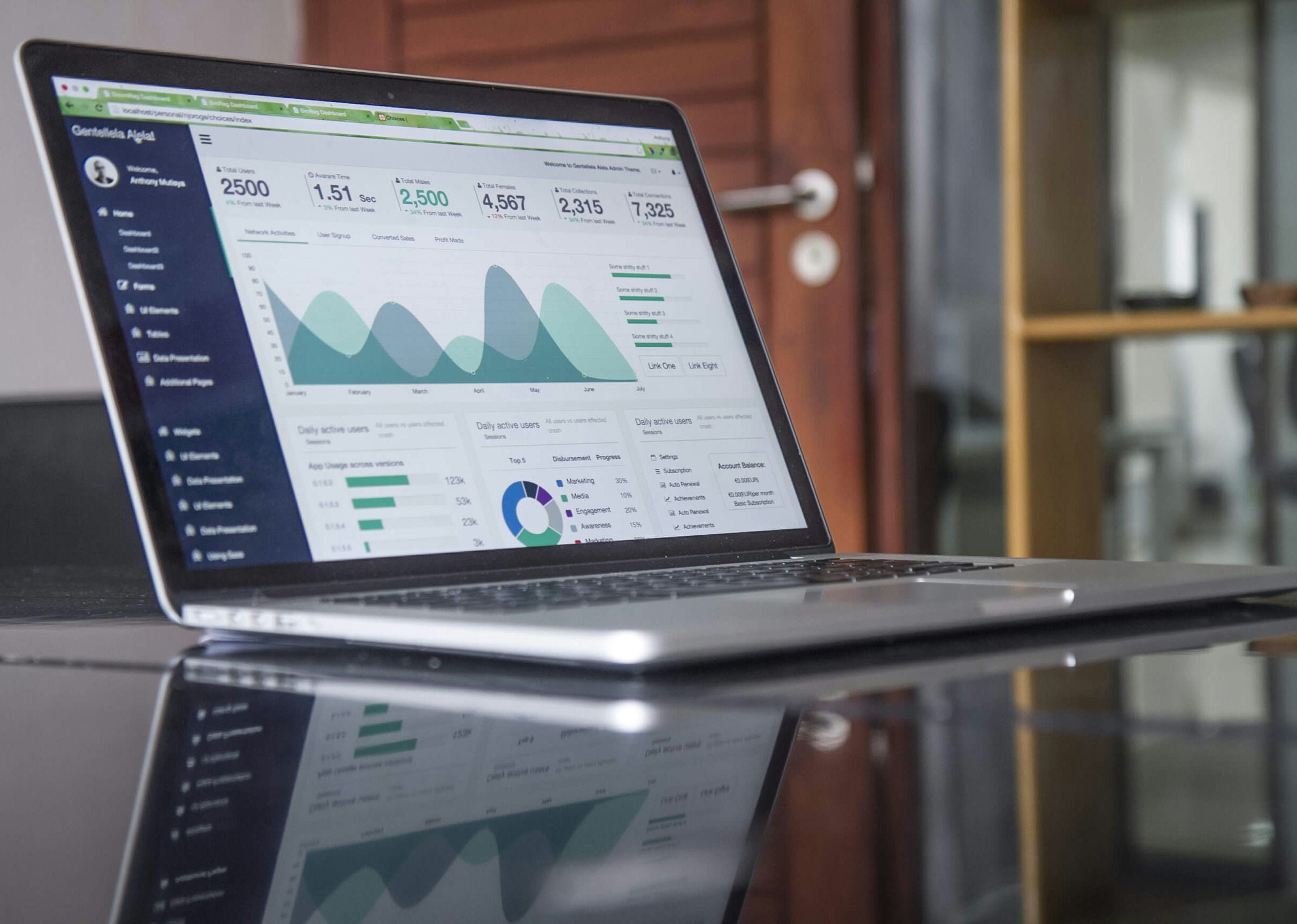
Canva is a cloud-based design platform that allows users to create graphics, presentations, videos, social media content, websites and marketing materials using a visual drag-and-drop interface.
Pros & Cons
Advantages
- Extremely beginner friendly
- Huge template collection
- AI-powered tools
- Fast design workflow
- Affordable pricing
- Team collaboration
Disadvantages
- Limited advanced editing
- Template similarity issues
- Some features locked behind Pro
- Less suitable for professional illustrators
- Internet dependency
Feature Ratings
Ease of Use
Templates
AI Tools
Professional Design Control
Who Should Use Canva?
Small Business Owners
Create ads, flyers, social media content and presentations without hiring a designer.
Bloggers
Build featured images, infographics and Pinterest graphics quickly.
Students
Create professional projects and presentations effortlessly.
Content Creators
Design thumbnails, reels, stories and digital products.
Who Should NOT Use Canva?
Professional Illustrators
Advanced drawing and illustration workflows are limited.
UI/UX Designers
Figma and similar platforms offer stronger prototyping capabilities.
Enterprise Design Systems
Complex workflows may require more specialized tools.
Pricing Overview
Free
Best for beginners and students.
Canva Pro
Ideal for creators and businesses needing premium assets.
Canva Teams
Designed for agencies and collaborative teams.
Frequently Asked Questions
Is Canva Free? +
Yes, Canva offers a capable free plan with optional premium upgrades.
Is Canva Worth Paying For? +
For regular content creators and businesses, Canva Pro often saves substantial time.
Can Canva Replace Adobe Photoshop? +
For many users yes, but advanced professionals may still require Photoshop.
Explore More Software Reviews
Visit Bargilo for detailed reviews, comparisons, guides and software recommendations.
Visit Bargilo